
Pre-release · v0.0.8
Auto-records, transcribes, and summarises your meetings — entirely on your Mac.
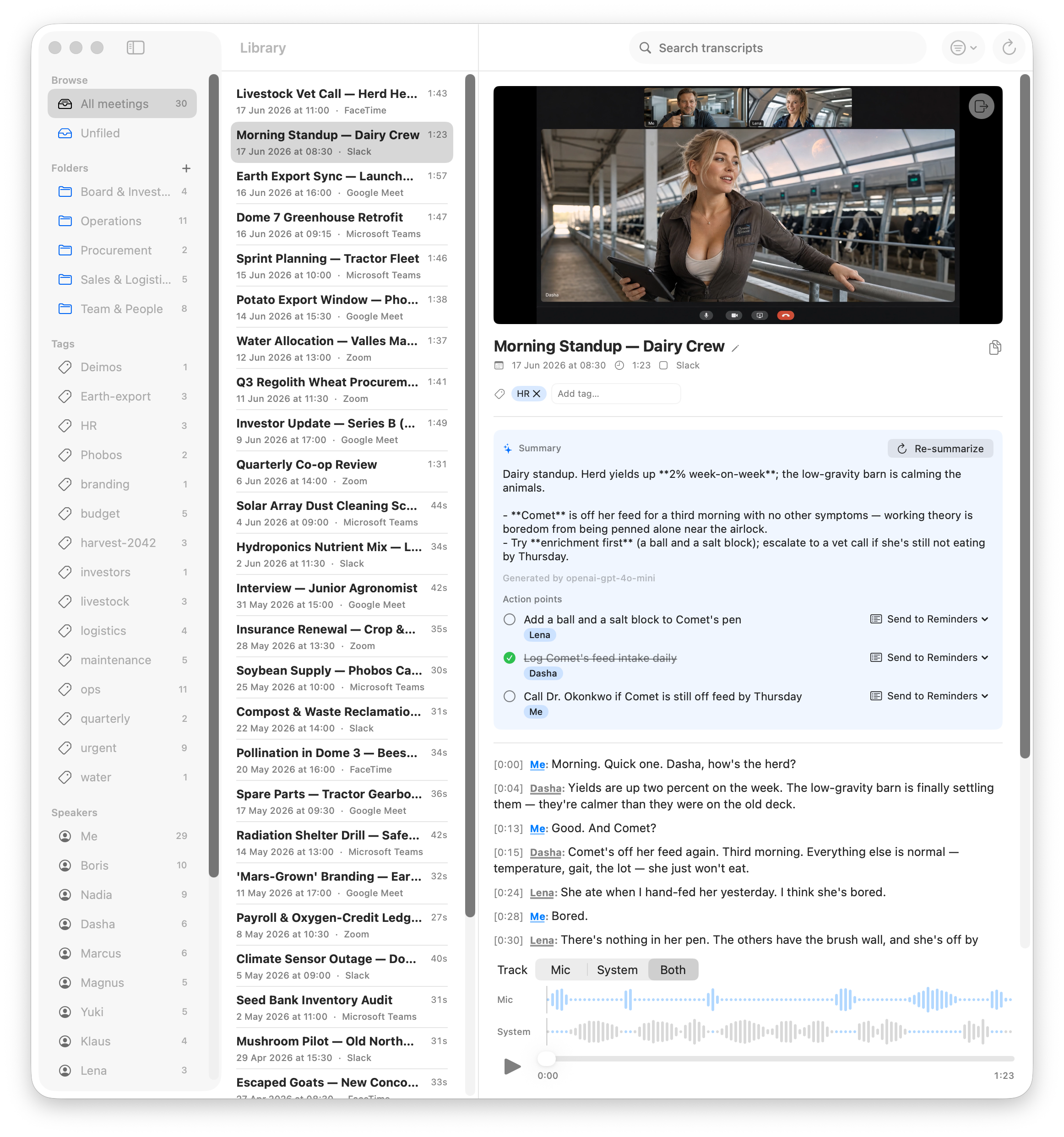
Stenographist is a native macOS menu-bar app. It notices when a call starts, records both sides, transcribes with Whisper, separates the speakers, and writes the summary with action points — without sending a single byte of your audio anywhere.
Why not just use the transcription built into Zoom or Teams?
Because it isn't yours. Built-in transcription runs in someone else's cloud, follows someone else's policies, and only works inside one app.
Built-in cloud transcription
- Your audio and transcripts are uploaded to and processed in a vendor's cloud.
- Locked to one platform — your Zoom notes live in Zoom, your Teams notes in Teams.
- Needs host permission, admin policies, and announces itself to everyone on the call.
- Transcripts are scattered across vendor accounts, retention rules, and paywalls.
Stenographist
- Everything is recorded, transcribed, and summarised on your Mac. Files stay on your disk.
- One app for all of them: Zoom, Teams, Meet in the browser, Slack, Discord, Telegram, Webex, FaceTime…
- Nothing joins the call. No bot in the participant list, no host approval, no IT tickets.
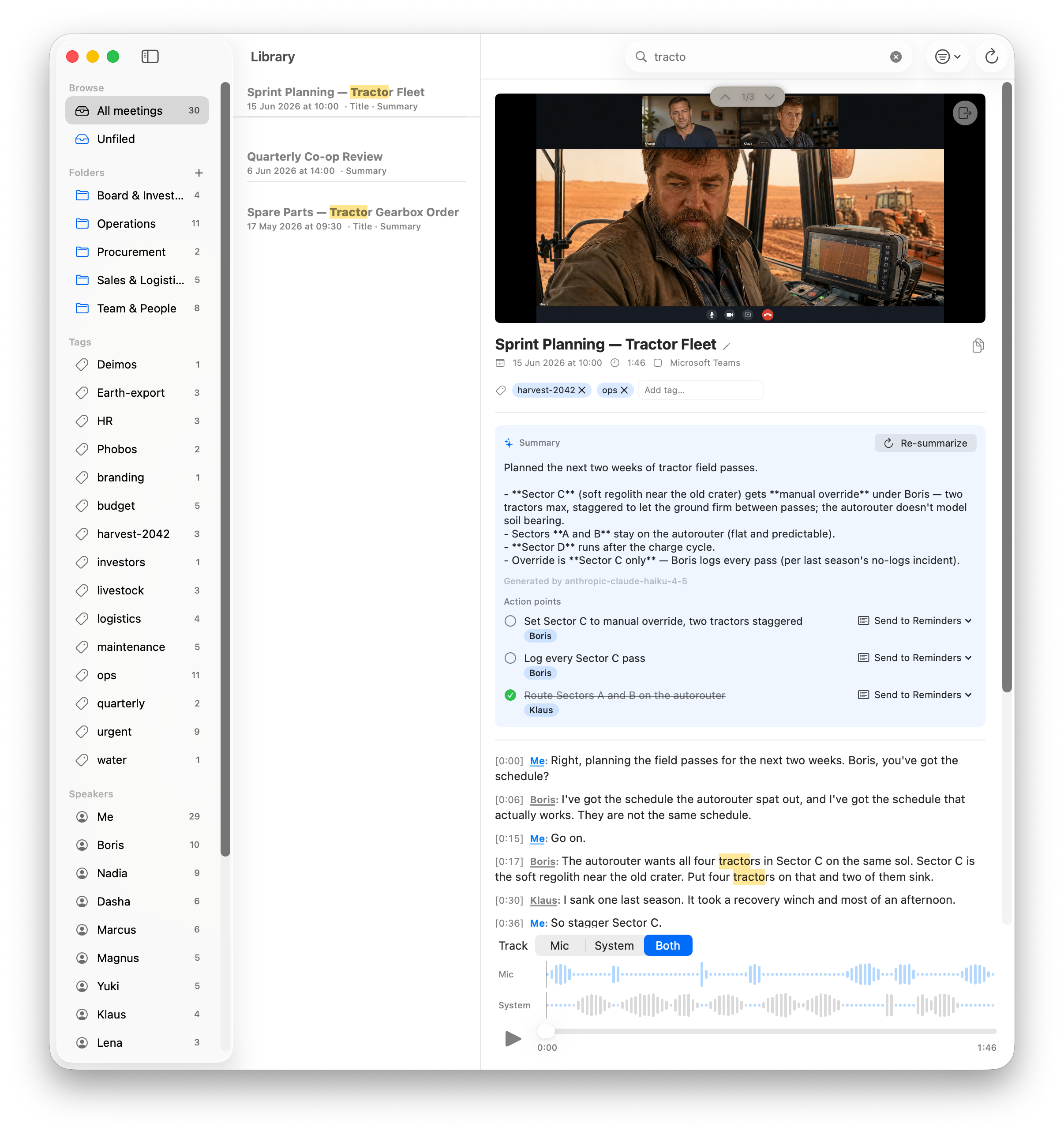
- Every meeting lands in one local library with full-text search across all of your history.
What it does
Auto meeting detection
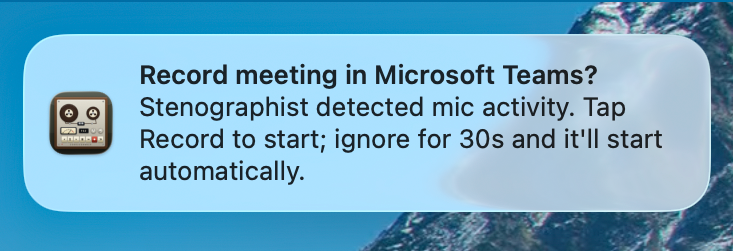
Notices when Zoom, Teams, Slack, Discord, or another call app goes live and offers to record. The audio tap is pre-armed, so recording starts instantly — no missed first minutes.
Both sides, two tracks
Your microphone and the system audio are captured as separate tracks, with echo cancellation cleaning your mic from speaker bleed. Compact Opus files instead of giant WAVs.
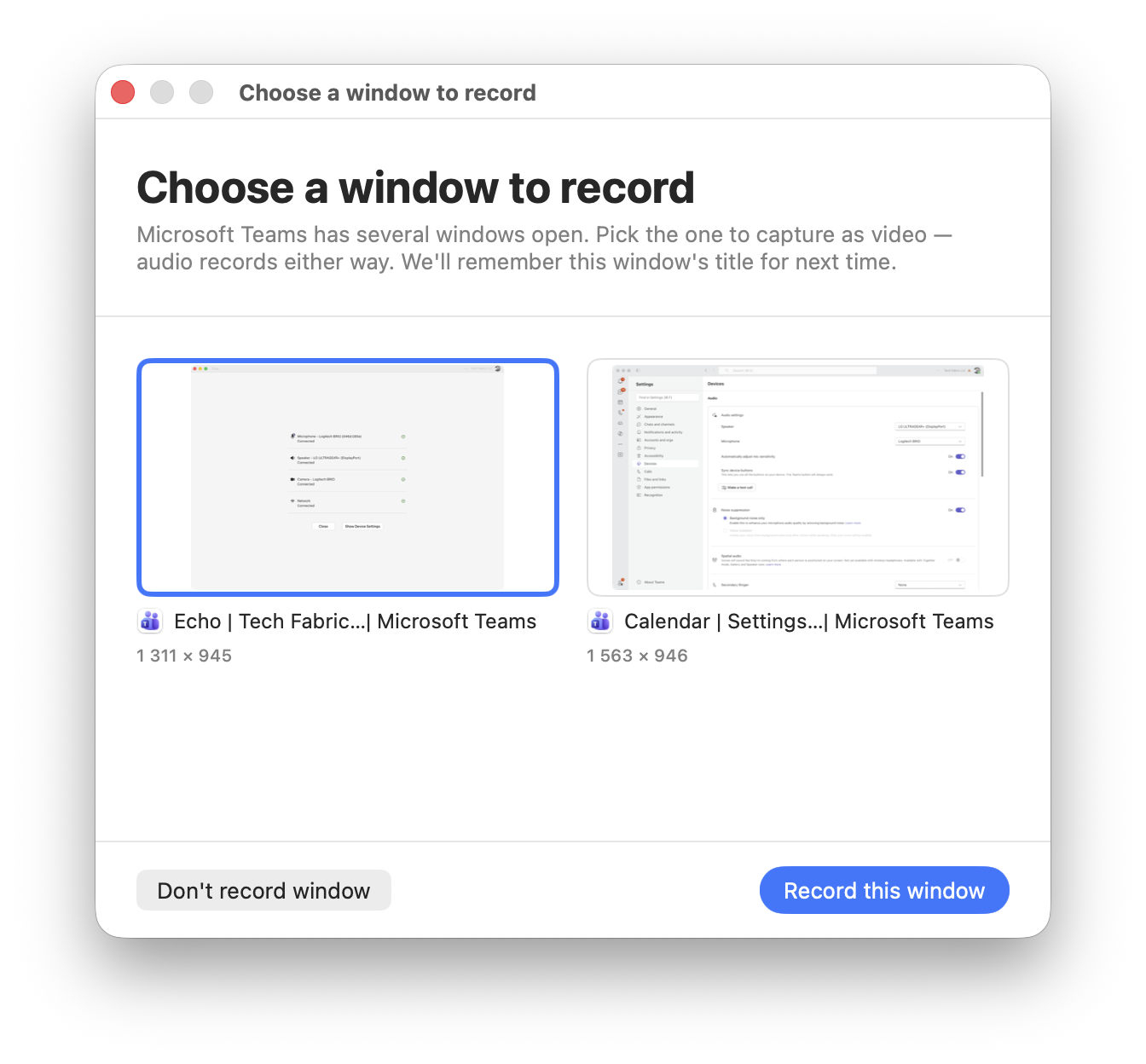
Capture the window, if you want
Grant Screen Recording and Stenographist can also record the call app's window as video alongside the audio. Completely optional and off by default — audio-only needs no screen permission, and the recording stays on your Mac either way.
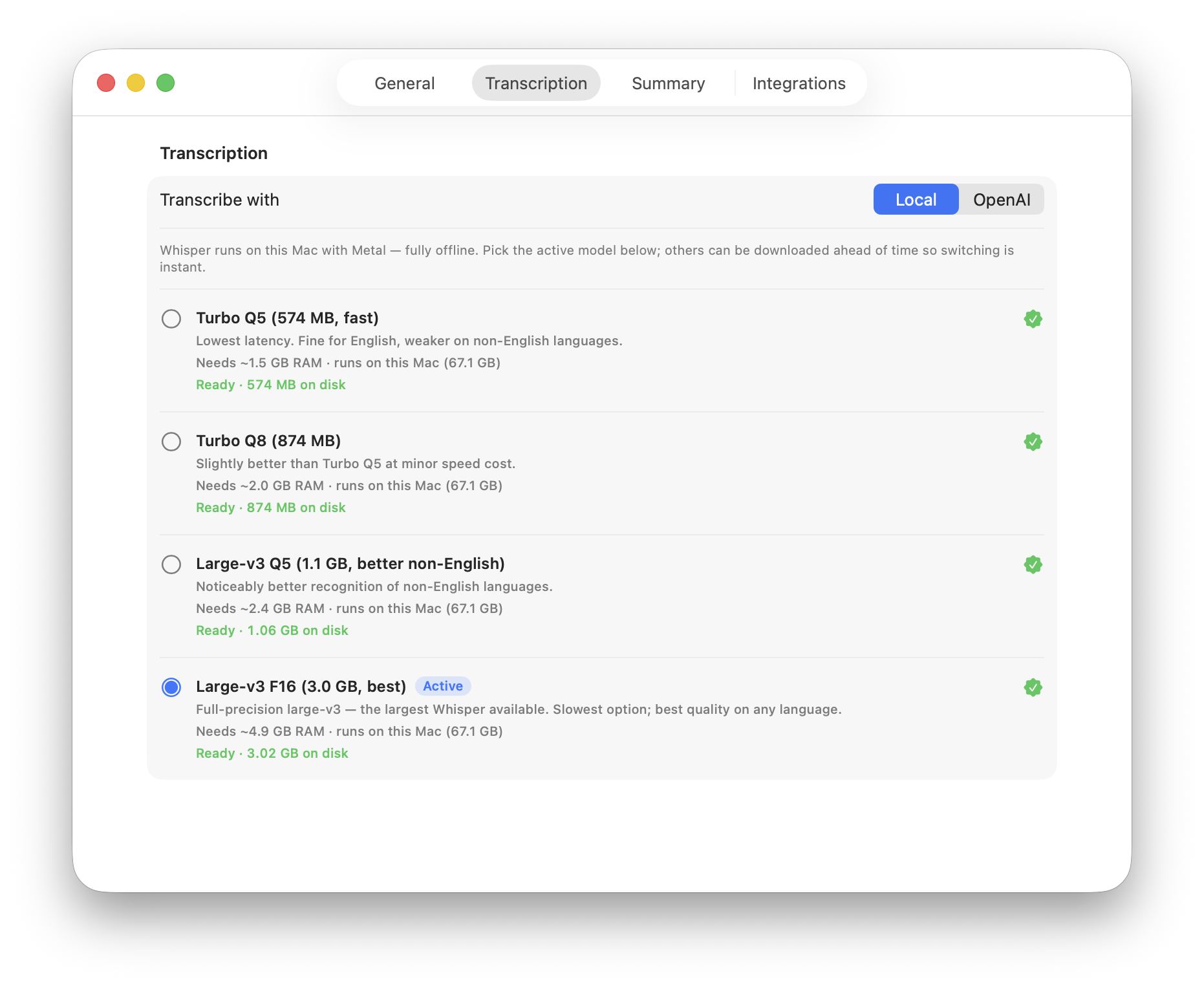
Whisper on your GPU
Transcription runs on-device with Whisper large-v3, Metal-accelerated on Apple Silicon — roughly 30× faster than realtime. Pick the model variant that fits your languages.
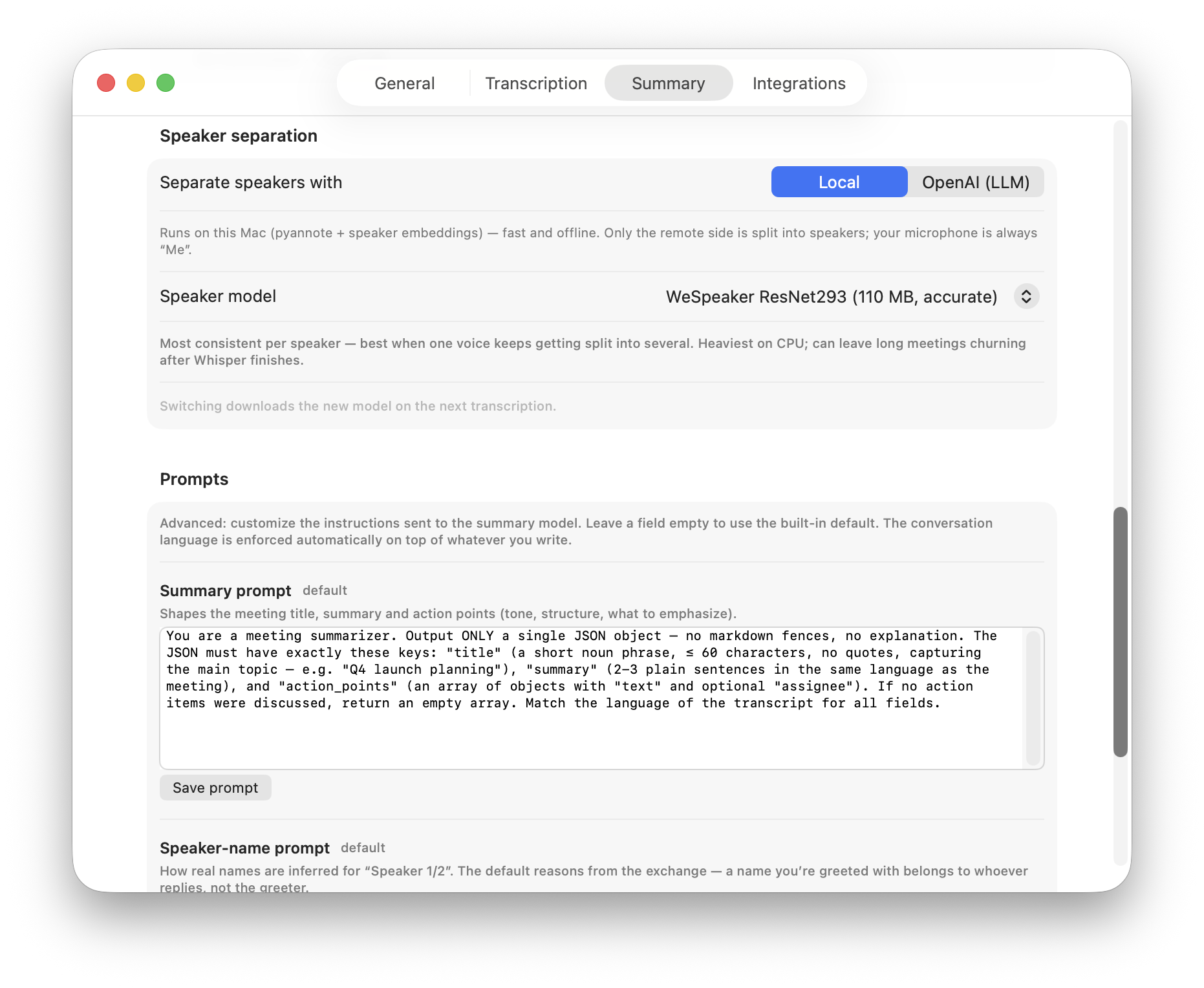
Who said what
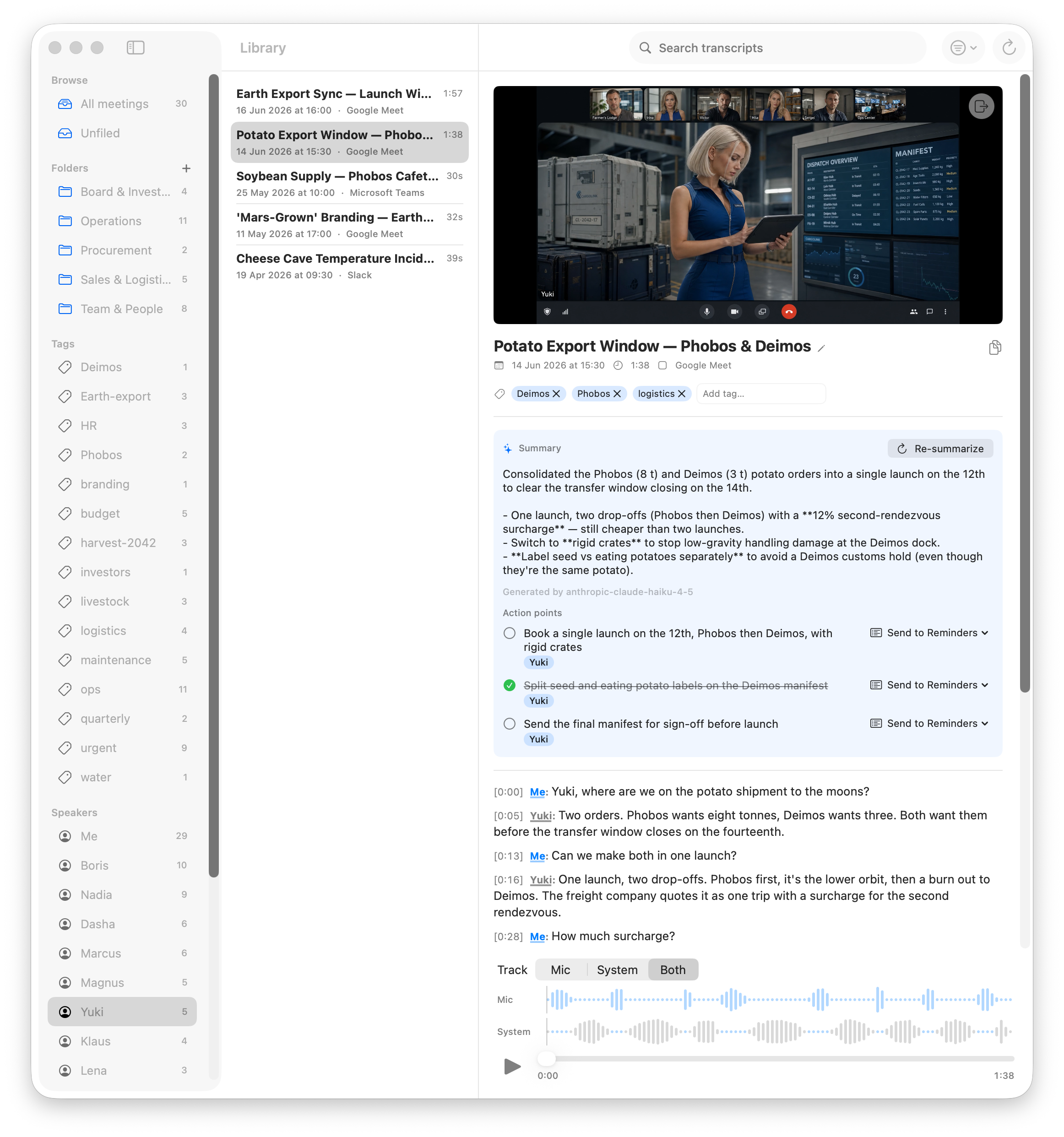
Local speaker diarization labels the other side of the call as distinct, consistently colored speakers — so the transcript reads like a conversation, not a wall of text.
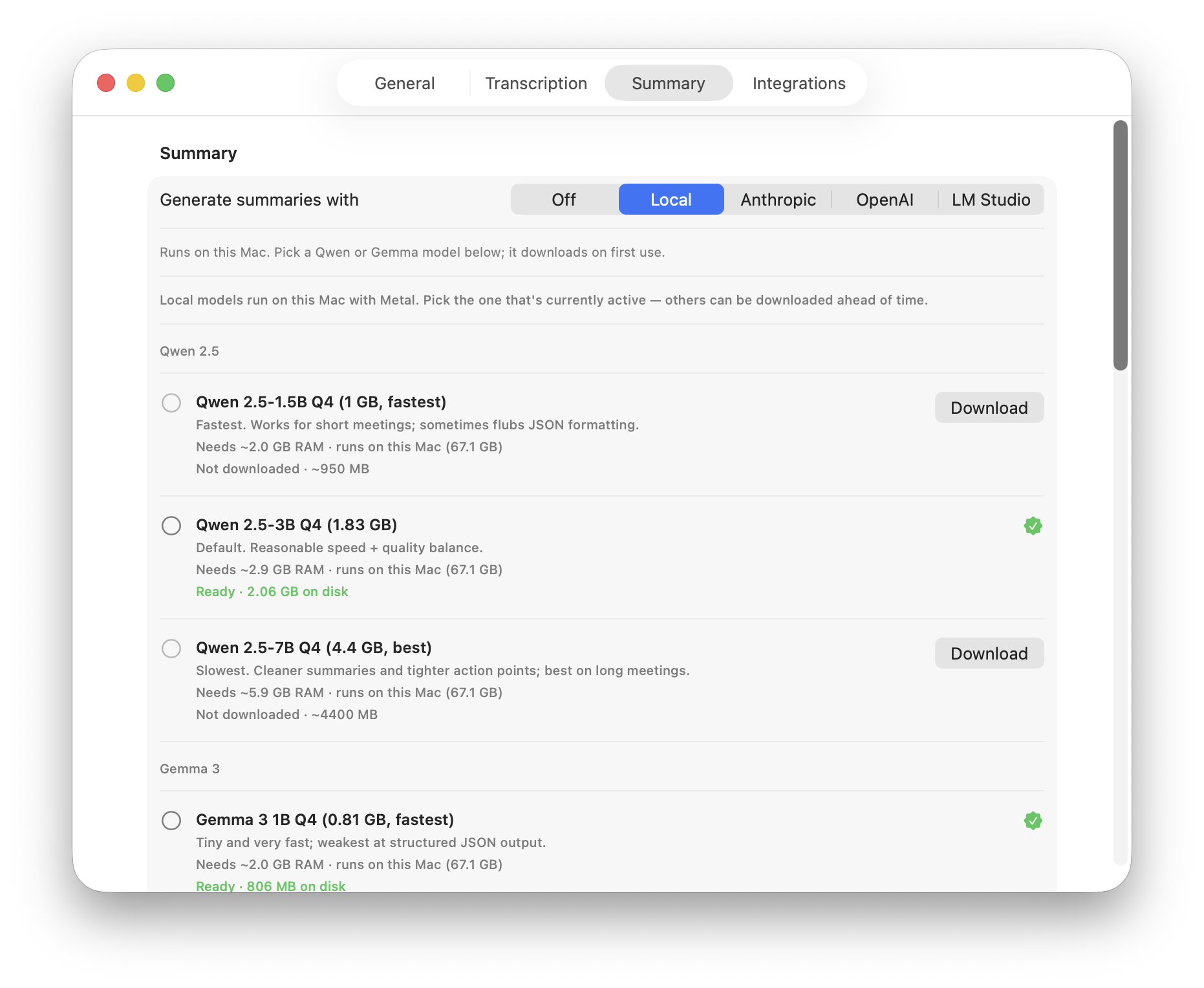
Summaries & action points
After each meeting an LLM writes a summary and pulls out action points with assignees. Run it fully offline with a built-in local model, point it at your own LM Studio or Ollama, or bring a Claude / OpenAI key — your choice, and off by default.
Straight to Reminders
Send any action point to Apple Reminders in one click. Already-exported items are marked, so nothing gets duplicated.
A searchable library
Full-text search across every transcript, with tags and folders to organize. Click a line of the transcript to jump the player to that exact moment.
Connect your own AI tools (MCP)
A built-in MCP server exposes your transcripts read-only to clients like LM Studio, Claude Desktop, and Claude Code — so you can search and ask questions about past meetings from your own AI tools. It reads the local database directly; nothing leaves your Mac.
Signed, notarized, up to date
Developer ID-signed and notarized by Apple. Updates arrive automatically via Sparkle with EdDSA-signed releases — and you can turn the checks off.
Private by architecture, not by policy
Most "private" note-takers ask you to trust their servers. Stenographist doesn't have servers to trust — the heavy lifting happens on your machine. Here is the complete, honest list of what touches the network.
Never leaves your Mac
- Audio recordings — stored as local Opus files
- Optional window video — recorded and kept on disk too
- Transcripts and speaker data — a local SQLite database
- Summaries (local model or your own LM Studio / Ollama)
- AI queries via the built-in MCP server — read straight from the local database
- Search index, tags, folders — all local
The only network calls
- One-time model download from Hugging Face on first launch (~0.5–1.5 GB, you watch the progress).
- Update checks via Sparkle — asked for consent first, can be disabled.
- Cloud summarization — only if you explicitly paste your own Anthropic or OpenAI API key. Off by default.
No accounts. No analytics. No telemetry. This page doesn't load anything from third-party domains either.
See it in action


Your meetings. Your Mac. Your data.
Pre-release software — expect some rough edges. Once installed, updates arrive automatically.